
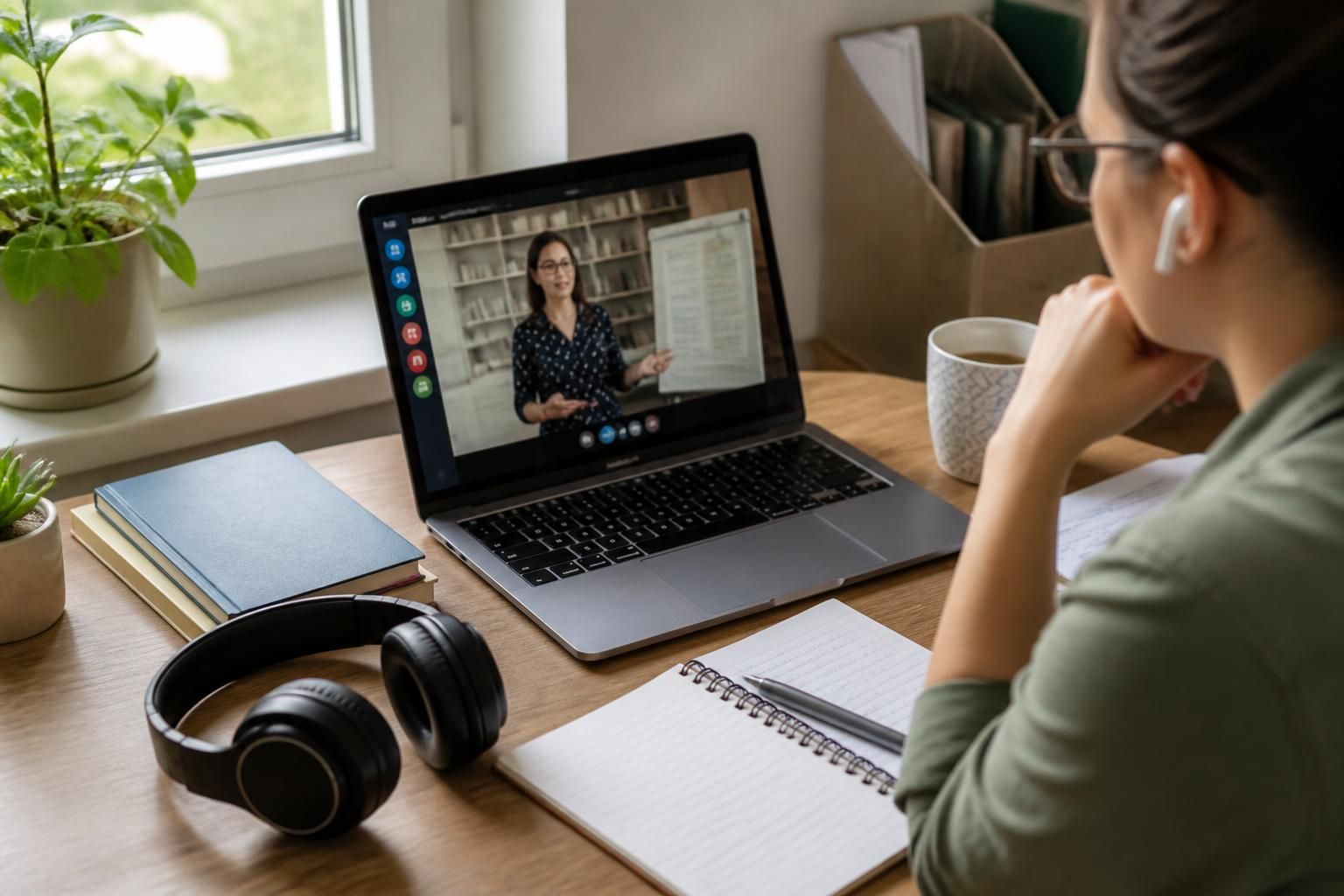
What equipment do I need for online foster carer training?
For online foster carer training, you generally need a reliable computer, laptop or tablet, a stable internet connection, an email address and a quiet space where you can concentrate. Headphones and a microphone can be useful for live sessions, while your training provider will confirm any specific software or login requirements.
Partnering with an
Ofsted Outstanding Provider
Most online foster carer training can be completed with a functioning computer, laptop or tablet, but the most suitable setup also includes a compatible web browser, charging equipment, a way to take notes and secure access to your course account. You do not normally need specialist technology or expensive software.
Before starting, check the technical requirements provided by your fostering service or course provider. In particular, confirm:
- which operating systems and internet browsers are supported;
- whether the course works fully on a tablet or requires a computer for certain activities;
- whether video calls, downloadable documents or online quizzes need additional applications;
- how course materials are accessed and saved; and
- whether a webcam is expected for any tutor-led or group sessions.
A tablet may be adequate for watching videos, reading material and completing straightforward activities. A laptop or desktop computer is often more practical for longer written exercises, accessing several documents at once and joining interactive sessions. Whichever device you use, keep its software and browser updated and make sure it has enough battery or is positioned near a power socket.
A keyboard can make written work easier, particularly if you are using a tablet. A mouse is optional, but some people find it more comfortable than a trackpad when navigating detailed course pages. You may also want a notebook and pen for recording questions, useful terms or points to discuss with your supervising social worker or tutor.
A webcam is only relevant if your course includes video-based participation or asks you to appear on camera. Check its position before a session so your face is visible and the image is clear. If your device has a built-in camera, this may be sufficient. A separate webcam is not usually necessary unless the built-in one is unavailable or unsuitable.
It is sensible to test the equipment before your first activity. Open the course platform, sign in, play any introductory media, check that documents open correctly and confirm that your camera and audio work if a live session is scheduled. Testing also gives you time to install an approved application or ask the provider for help rather than discovering a problem during training.
Keep your device secure while completing foster carer training. Use a password or passcode, avoid leaving your account signed in on a shared computer and store downloaded course documents where other people cannot access them. Training may refer to children, families and safeguarding matters, so do not record sessions or save sensitive information unless the provider expressly permits it.
If more than one person in a household is completing training, each participant may need separate login details or an individual way to record their own progress. Couples can share a device where the provider allows this, but they should check whether activities need to be completed separately and whether both people must attend live sessions using their own accounts.
People with limited digital confidence should not assume they need to buy new equipment immediately. Start by checking whether an existing device meets the provider’s requirements. The fostering service can clarify which functions are essential, explain how to access the learning platform and identify any support available if you are unfamiliar with online forms, video calls or uploading documents.
A practical preparation checklist is:
- confirm that your device is compatible with the course platform;
- update the device and browser;
- locate the charger and check available storage;
- prepare any camera or audio equipment needed for live participation;
- choose a secure place to keep login details and training notes;
- test the course access and any required applications; and
- ask the provider about accessibility options if you need larger text, captions, screen-reader compatibility or another adjustment.
The provider’s instructions take priority over any general equipment list. Requirements can differ between courses, particularly where training includes live teaching, recorded responses, downloadable resources or assessed activities. Checking these details before purchasing anything helps ensure that you have the equipment needed without paying for technology that the course does not require.
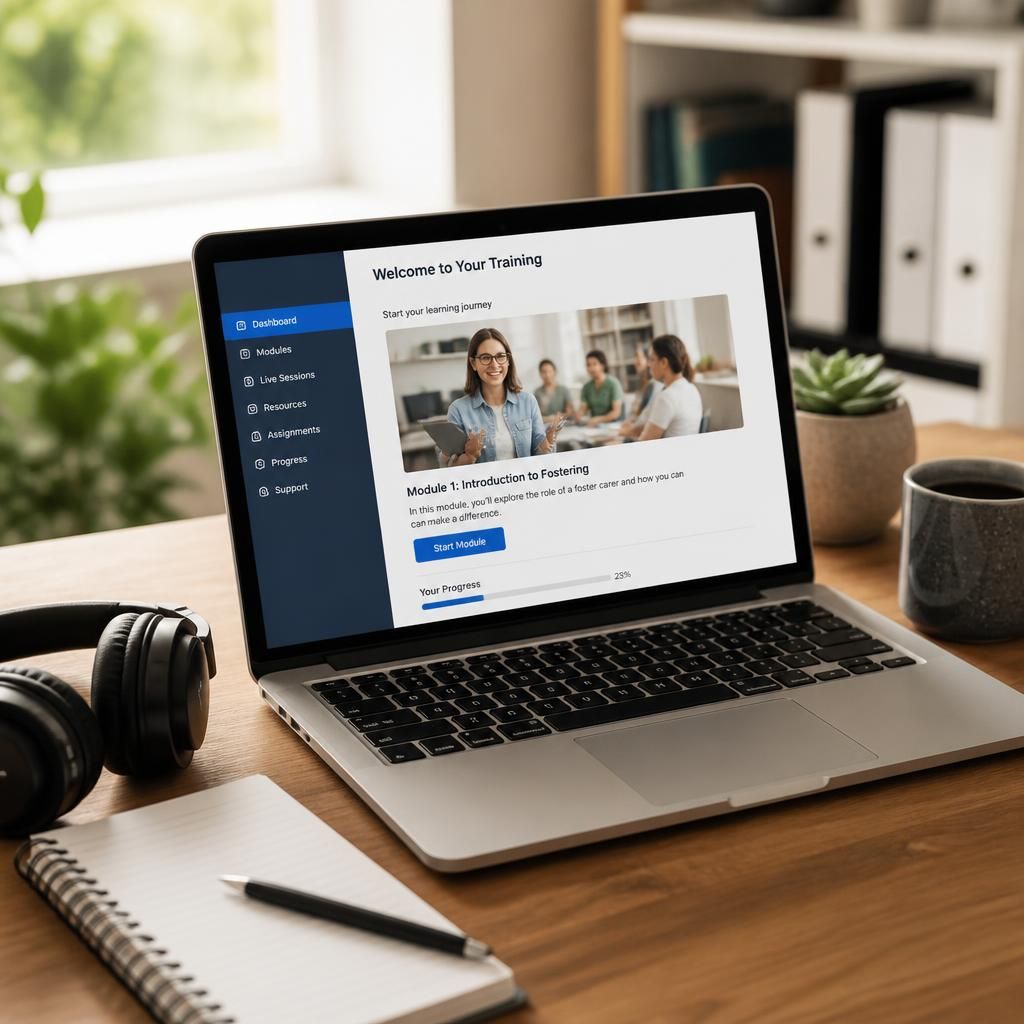
Equipment for online foster carer training should also support comfortable, accessible study. If you have difficulty reading a small screen, typing for extended periods or using a trackpad, an external monitor, keyboard or other suitable accessory may make coursework easier. These items are optional rather than standard requirements, so choose them according to your needs and the type of activities included in the course.
Consider the position of your screen and chair, reduce glare and use text or display settings that you can read comfortably. If you need captions, magnification, screen-reader compatibility or another adjustment, raise this with the fostering service before training begins so the learning platform and equipment can be checked together.
Have questions about online foster carer training?
If you have questions about online foster carer training or the wider fostering process, contact our fostering team for clear guidance tailored to your circumstances. We can explain the next steps and help you understand what to expect before you apply.