
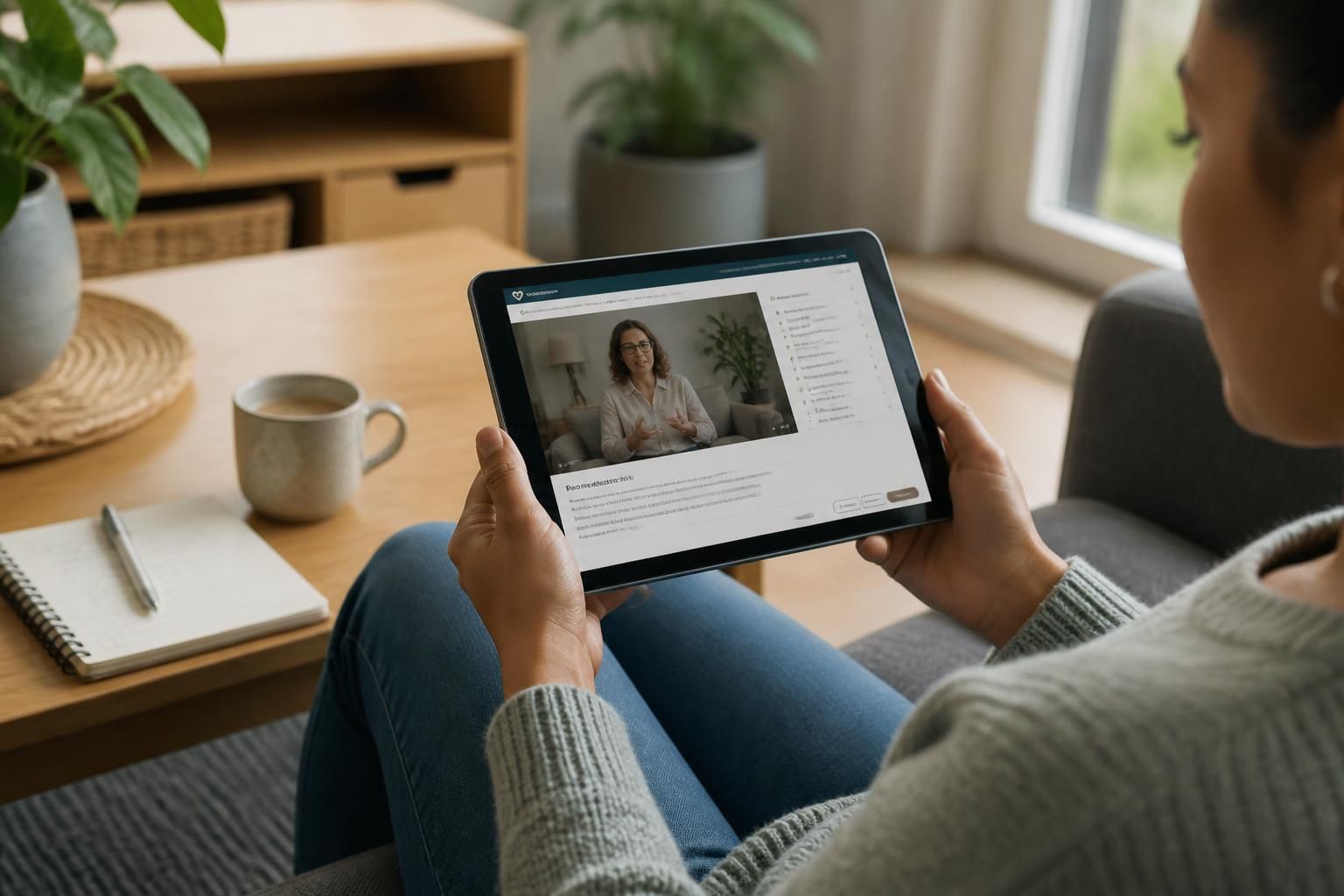
Can I access online foster training on a mobile device?
Yes, online foster training can generally be accessed on a smartphone or tablet using a compatible web browser. A larger screen may make reading content and completing interactive activities easier, so check the course requirements before starting.
Partnering with an
Ofsted Outstanding Provider
Online foster training is usually accessible on a mobile phone or tablet through an up-to-date web browser, provided the training platform supports that device and operating system. Before beginning, check the provider’s technical requirements so you know whether you need a particular browser, app, internet connection or type of device.
A mobile device can be useful for studying during spare periods, but online training still requires a reliable way to access the course. You may need to:
- sign in using your training account details;
- keep your browser or training app updated;
- allow required features such as audio, video, cookies or pop-ups;
- use a stable internet connection, particularly for video-based content; and
- keep your device charged while completing a module.
Training platforms do not all work in the same way. Some allow you to resume a module from where you stopped, while others may require you to complete a section in one session. Some courses also record progress only when you reach a particular point or select a completion option. Read the platform instructions carefully and avoid closing the browser immediately after finishing an activity if the course tells you to wait for your progress to save.
Mobile access does not necessarily mean that every course feature will work identically on every device. Interactive exercises, forms, downloadable resources and video controls may be easier to use on a computer. If a page does not display correctly, try rotating the device, updating the browser, clearing space for downloads or switching to another permitted device. Do not bypass security settings or download software unless the training provider specifically instructs you to do so.
Accessibility should also be considered before you start. Check whether the platform offers features such as adjustable text size, captions, transcripts, keyboard navigation, screen-reader compatibility or control over audio. A phone or tablet’s built-in accessibility settings may help, but they cannot replace accessible course design. If a feature is difficult to use, tell your fostering adviser or training contact so they can explain the available alternatives.
Protect your learning account and personal information by using a private, secure connection where possible, signing out on shared devices and keeping your password confidential. Avoid saving login details on a device that other people can access. If your training includes personal reflections or information connected with fostering, follow the provider’s guidance on privacy and do not share course materials publicly.
If you are unsure whether your phone or tablet is suitable, ask for the course requirements before enrolling or starting a module. Your fostering adviser can help you understand the access arrangements, identify any equipment or support you may need, and discuss another way to complete the training if mobile access is not practical for you.

Accessing online foster training on a mobile device does not mean you must complete every session on a small screen. For longer modules, position your phone or tablet securely, use a comfortable viewing angle and take regular breaks to avoid eye or neck strain. If reading feels difficult, adjust the display settings or move to a larger permitted device.
A practical approach is to use your mobile for short learning activities and review, while choosing a tablet or computer for material that requires sustained reading or detailed responses. This lets you use mobile access without making the device itself a barrier to taking part fully in the training.
Check Your Device for Online Foster Training
If you are considering fostering, speak to a fostering adviser about the training process and the support available before you apply. They can help you decide how to begin your learning in a way that suits your circumstances.